
Lyria 3 vs Suno vs Udio: Worth Paying For?
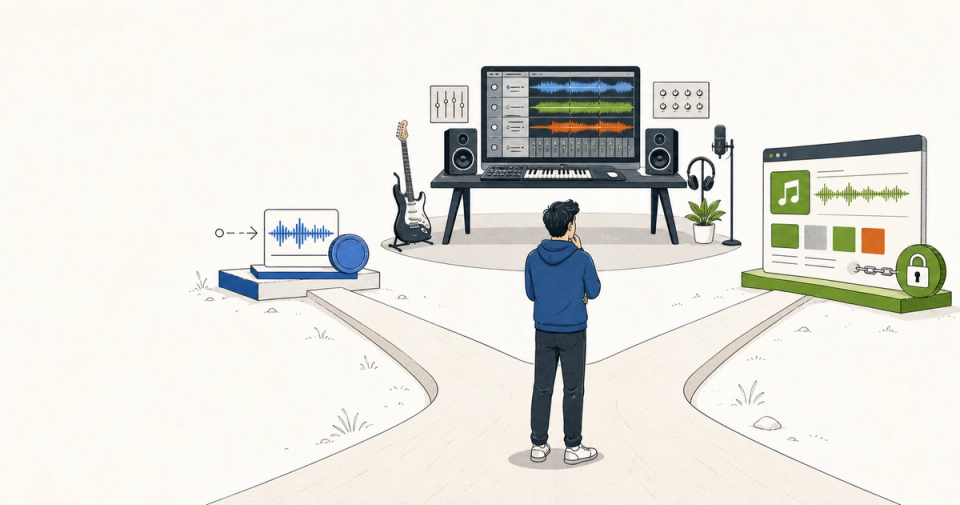
Google's Lyria 3 is a music-generation model available through Gemini, Google AI Studio, and the Gemini API. Suno is a creator-facing song platform built around complete tracks, vocals, editing, and a large credit-based workflow. Udio is another creator-facing generator with strong remix and extension controls, now operating under a new licensing arrangement with Universal Music Group.
For most creators paying for one tool, Suno is the best default. Its paid plans combine full songs, advanced editing, stem separation, and commercial-use rights for new songs, while keeping the product focused on making and exporting music. Lyria 3 is the value winner for developers, video makers, and people already paying for Google AI, especially when a 30-second clip or API call is enough. Udio is the most difficult subscription to recommend right now: its creative controls are compelling, but Udio says downloads of audio, video, and stems are disabled after its Universal partnership.
The surprise is that sound quality is no longer the buying decision. Export rights, editing depth, and whether the output can leave the platform matter more than another impressive first generation.
The short answer
- Choose Suno for full songs, vocals, rapid iteration, stem separation, and the clearest creator workflow.
- Choose Lyria 3 for short background music, Google-integrated video work, image-to-music experiments, or API generation at $0.04 per 30-second clip and $0.08 per full song.
- Choose Udio only if its remix, extend, and inpaint controls matter more than immediate downloads, or if you are deliberately experimenting inside its licensing transition.
- If you cannot decide: use Lyria 3 Clip for cheap tests, then pay for Suno when you need a song you can edit, export, and use commercially.
This is a comparison for creators, marketers, indie developers, and small teams making music for releases, videos, podcasts, games, or social posts. It is not a ranking of models in a blind listening test. The vendors do not publish a shared benchmark with identical prompts, so claims about one being “best sounding” are more subjective than pricing and export policy.
Why this comparison matters now
Lyria 3 changed position in March 2026. Google moved from a short-form music demo to two developer-facing variants: Lyria 3 Clip, which always produces a 30-second clip, and Lyria 3 Pro, which creates full-length songs lasting a couple of minutes. Google says both accept text and image input, generate 44.1 kHz stereo audio, and support vocals, timed lyrics, and song structure. Google's music-generation guide documents the current model split.
Google's API pricing is unusually concrete: $0.04 per Clip song and $0.08 per Pro song, with no free tier listed. The Gemini API pricing table is the right source for developers, not a consumer subscription roundup. Lyria outputs also carry Google's SynthID audio watermark, and the current API documentation says multi-turn editing is not supported.
Udio's situation changed for a less comfortable reason. Its February 17, 2026 help-center update says the Universal Music Group partnership increased Standard credits from 1,200 to 2,400 per month and Pro credits from 4,800 to 6,000, but also says audio, video, and stem downloads are disabled. The restriction is not a small footnote. It changes whether Udio is a production tool or a hosted sketchbook.
Pricing and product policies verified July 2026. Plans, limits, rights, and preview models can change. Treat the dates on the linked vendor pages as part of the comparison.
Which tool is cheapest for serious experimentation?
Lyria 3 is the clear price winner when you need a bounded number of generations. A developer can generate 25 Lyria 3 Clips for about $1, or 25 Pro songs for about $2, before other API costs. Suno and Udio make more sense when you need many iterations inside a finished creator workspace rather than isolated API requests.
| Dimension | Lyria 3 | Suno | Udio |
|---|---|---|---|
| Cheapest useful paid path | $0.04 per 30s Clip via API | Pro plan, price shown in account flow | Standard at $10/mo, Pro at $30/mo, according to Udio help material |
| Full-song output | Pro, a couple of minutes | Yes, with long-form creation and editing | Yes, but export is currently disabled |
| Short clips | 30 seconds fixed | Available through normal generation | 32-second generations use 1 credit per song |
| Commercial-use signal | Depends on Google product and terms | Paid Pro and Premier grant commercial-use rights for new songs | Confirm current terms before commercial use |
| Editing | Single-turn generation; no current multi-turn editing | Extend, cover, adjust speed, replace/add sections, stems | Extend, remix, inpaint, edit, but downloads disabled |
| Inputs | Text and images | Text, audio uploads, voice features | Text and audio workflows |
| Watermark/export constraint | SynthID watermark | Platform terms apply; export available on paid workflow | Download of audio, video, and stems disabled |
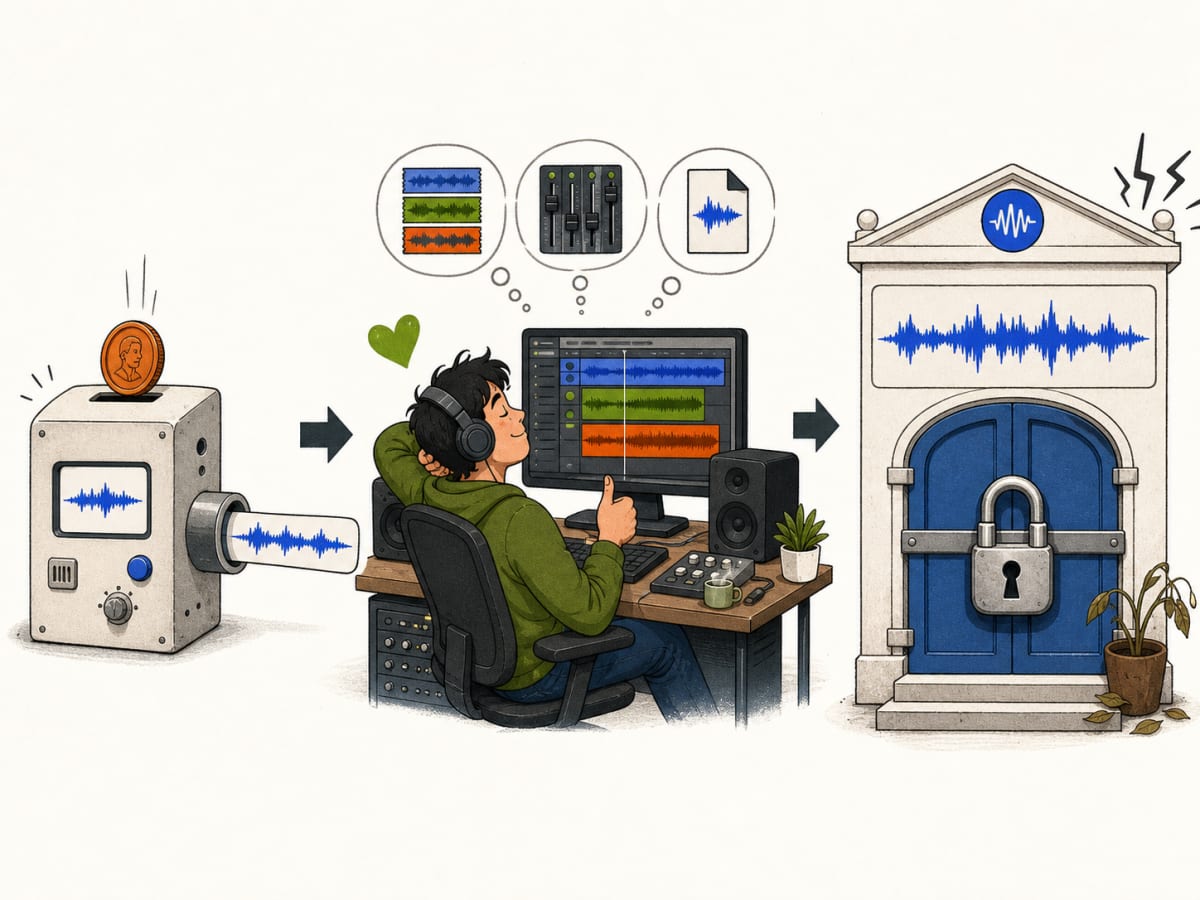
The arithmetic hides a workflow difference. Lyria charges per request, so it is cheap when your prompt is already good. Suno and Udio charge for access to an iterative studio, which is useful because most music creation is revision, not a single successful click.
Which tool is best for making a complete song?
Suno wins for complete songs because the product is organized around the whole loop: generate, extend, revise, separate stems, add vocals or instruments, and export. Lyria 3 Pro now handles structure well, but its current API still lacks iterative editing. Udio has strong editing controls, but the download block undermines its usefulness for a finished release.
Suno's paid pricing page lists access to its v5.5 model, Suno Studio, advanced editing, stem separation, voice features, and commercial-use rights for new songs on Pro and Premier. Premier includes 10,000 credits refreshing monthly, while the free plan gives 50 credits renewing daily and no commercial use. Suno's terms also assign Suno-owned rights in eligible paid-tier output to the subscriber, while warning that copyright may not vest in every output.
That last caveat matters. A commercial-use license from a platform is not the same thing as a guarantee that a purely machine-generated track receives copyright protection in every country. Keep your lyrics, arrangement decisions, recordings, and revision history. The more human contribution you can document, the better your position when a distributor or client asks how the track was made.
Lyria 3 Pro is much better suited to a full song than the original 30-second Gemini experience. Google says it can follow section timing, verses, choruses, bridges, and custom lyrics. But the API documentation also describes generation as single-turn. If the chorus is nearly right but the bridge is wrong, you cannot keep refining that same artifact through a native conversational edit loop.
Udio may be the most interesting editor on paper. Its credit documentation describes separate costs for 32-second and roughly 130-second songs, plus extend, remix, inpaint, and edit actions. But an editor that cannot currently give you downloadable audio or stems is a strange place to spend a monthly production budget. Udio CEO Andrew Sanchez told the Los Angeles Times, “Having a close relationship with the music industry is elemental to us.” That may be strategically sensible for Udio. It is not automatically good news for a creator who needs a file today.
Which tool is best for background music and video?
Lyria 3 Clip is the best fit for background music, prototypes, and short social assets. Its fixed 30-second output, image-to-music input, API access, and low per-request price make it easy to connect to a video workflow. Suno wins when you need a longer branded song. Udio is difficult to recommend while downloads remain unavailable.
This is where Lyria's product shape becomes an advantage. You can pass an image or a descriptive prompt, generate a short instrumental, and use the result as a fast creative direction test. Google also makes Lyria available in Google Vids and says paid Gemini subscribers can access longer Lyria 3 Pro generations in the Gemini app.
The limitation is continuity. A 30-second clip is not a loopable soundtrack just because it sounds polished. If you need a 90-second video bed, you must either generate multiple sections and edit them yourself or move to Pro and accept the higher price and less mature editing story. Lyria is a strong sketching instrument, not yet a full digital audio workstation.
Suno is better for a podcast intro, campaign anthem, or creator theme that needs a recognizable beginning, middle, and end. Its paid workflow also gives you more ways to rescue a nearly-good generation. For a broader look at how Google is building creator tools around multimodal generation, see Google's AI image and video tools.
The broader audio pattern is moving in the same direction: tools are becoming workflow surfaces, not just models. Studio by Spotify Labs is a useful adjacent example of an audio product built around local context and repeated generation rather than a single novelty output.
Which tool gives you the most control after generation?
Suno gives the best balance of control and accessibility. It exposes editing features without requiring a production engineer. Udio offers deeper-sounding edit operations, but the current export restriction makes those controls less valuable. Lyria gives excellent prompt-level control over tempo, lyrics, images, and song structure, but not a true post-generation edit loop.
Suno's current paid page lists three stem-separation types, upload support up to 30 minutes, adding vocals or instrumentals to existing songs, and advanced editing that can replace or add a section. That is enough control for most creators who are not trying to mix every bar manually.
Lyria's control is front-loaded into the prompt. You can specify tempo, section timing, language, instruments, energy, and whether the track is instrumental. Google's own guide recommends testing with Clip before spending on Pro. That is a good workflow: cheap exploration first, full-song generation second.
Udio's extend, remix, and inpaint controls would matter most to producers who think in fragments. The problem is operational, not creative. If you cannot download the source, extract stems, or deliver a WAV to an editor, you are paying for an online environment rather than an exportable asset. That might change, but it is the current decision boundary.
If you are building music into a realtime product rather than making songs for release, the decision changes again. OpenAI's GPT-Realtime-2 audio stack is a better adjacent comparison point for interactive audio than any of these batch-oriented music generators.
Where each tool actually wins
Lyria 3
Lyria 3 wins for developers and Google-centric creators. It is the only tool here with a clearly documented per-song API price, multimodal image-to-music input, a 30-second high-volume variant, and a full-song Pro variant in public preview. It is also the easiest to use as a component inside an app, video pipeline, or prototype.
It loses on editing maturity, consumer workflow clarity, and rights simplicity across products. Google publishes the API price, but the rules for a track made in Gemini, Google Vids, AI Studio, or Vertex AI can differ. Check the product-specific terms before selling the output.
Suno
Suno wins for the default creator workflow. It is the easiest recommendation for someone who wants to make complete songs, try many variants, edit the strongest one, separate stems, and publish or monetize new work under the paid plan's terms.
It loses when you need a clean API-first product, exact deterministic control, or a legal guarantee that a generated output is copyrightable. Credits also expire rather than rolling over, so a plan that looks generous can be wasteful for sporadic users.
Udio
Udio wins for creators who value its editing vocabulary and are willing to work inside a platform during its licensing transition. Its documented credit model is understandable, and the February 2026 update increased paid limits to 2,400 Standard credits and 6,000 Pro credits.
It loses on the one capability a production tool cannot casually lose: export. Udio's own help center says downloads of audio, video, and stems are disabled. Until that changes, choose Udio as an experiment, not as the place where your master files live.
The non-obvious insight: the platform is part of the license
AI music comparisons usually treat “commercial use” as a checkbox. That is too shallow. The practical license is the combination of training disclosure, output rights, watermarking, platform export, and the vendor's ability to change terms after you subscribe.
Google is the most explicit about provenance signals: Lyria outputs include SynthID, and Google says its training used material it had rights to use under terms, partner agreements, and applicable law. Suno gives paid users commercial-use rights for new songs, but its terms still disclaim a copyright guarantee. Udio has moved toward licensed music partnerships, yet the same transition currently restricts downloads.
For client work, keep a provenance folder with the prompt, source lyrics, uploaded audio permissions, generation date, plan, downloaded files, and final edits. It is not glamorous. It is the difference between “an AI made this” and a defensible production record.
The bottom line
Pay for Suno if you want one general-purpose AI music tool for complete, exportable songs. It is the safest default because its paid workflow connects generation to editing, stems, and commercial use. Pay for Lyria 3 if you are building a product, making short video assets, or already live inside Google's ecosystem. Its API pricing is hard to beat for controlled experiments. Pay for Udio only when its editing experience is specifically worth accepting the current download restriction.
Run a small test before committing: make one vocal song, one instrumental video bed, and one revision from your own lyrics. Then score exportability, edit recovery, valid commercial terms, and time to a usable file. The tool that creates the prettiest first draft is not necessarily the one worth paying for. The one that lets you finish is.
FAQ
Is Lyria 3 free to use?
The Gemini API pricing page lists no free tier for Lyria 3 and charges $0.04 per Clip song or $0.08 per Pro song. Consumer access can also depend on which Gemini, Google Vids, AI Studio, or Vertex AI plan you use. Check the product-specific terms rather than assuming API pricing applies everywhere.
Is Suno better than Lyria 3 for full songs?
For most creators, yes. Suno has the more complete song-making workflow, including advanced editing, stem separation, voice features, and paid commercial-use rights for new songs. Lyria 3 Pro is capable of full-length structured tracks, but Google's current API documentation says iterative multi-turn editing is not supported.
Can I download music from Udio?
Udio's February 17, 2026 help-center update says downloads of audio, video, and stems are disabled as part of the Universal Music Group partnership changes. That policy may change, but it means you should not subscribe assuming that a finished Udio track can be exported like a normal audio file.
Which AI music tool is best for YouTube videos?
Choose Lyria 3 Clip for short, inexpensive background experiments, especially if your workflow already uses Google AI Studio or Google Vids. Choose Suno when you need a longer theme, vocal track, or more hands-on editing. Confirm the commercial-use terms for the exact product and plan before publishing client work.
Can AI-generated music be copyrighted?
Do not assume it can. Platform commercial-use rights, ownership assignments, and copyright protection are separate questions. Suno's current terms grant certain paid users rights in eligible output but say copyright may not vest. Add original lyrics, arrangement, performance, and documented human edits where possible, and check the law that applies to your release.